Yejun Lee
All work

Workbench

My own desktop app for Cambridge, with a planner in the MacBook's notch.

Role
Designed and built it
When
2026 – now
Stack
Electron, React, TypeScript
Used by
Me, every day

Overview

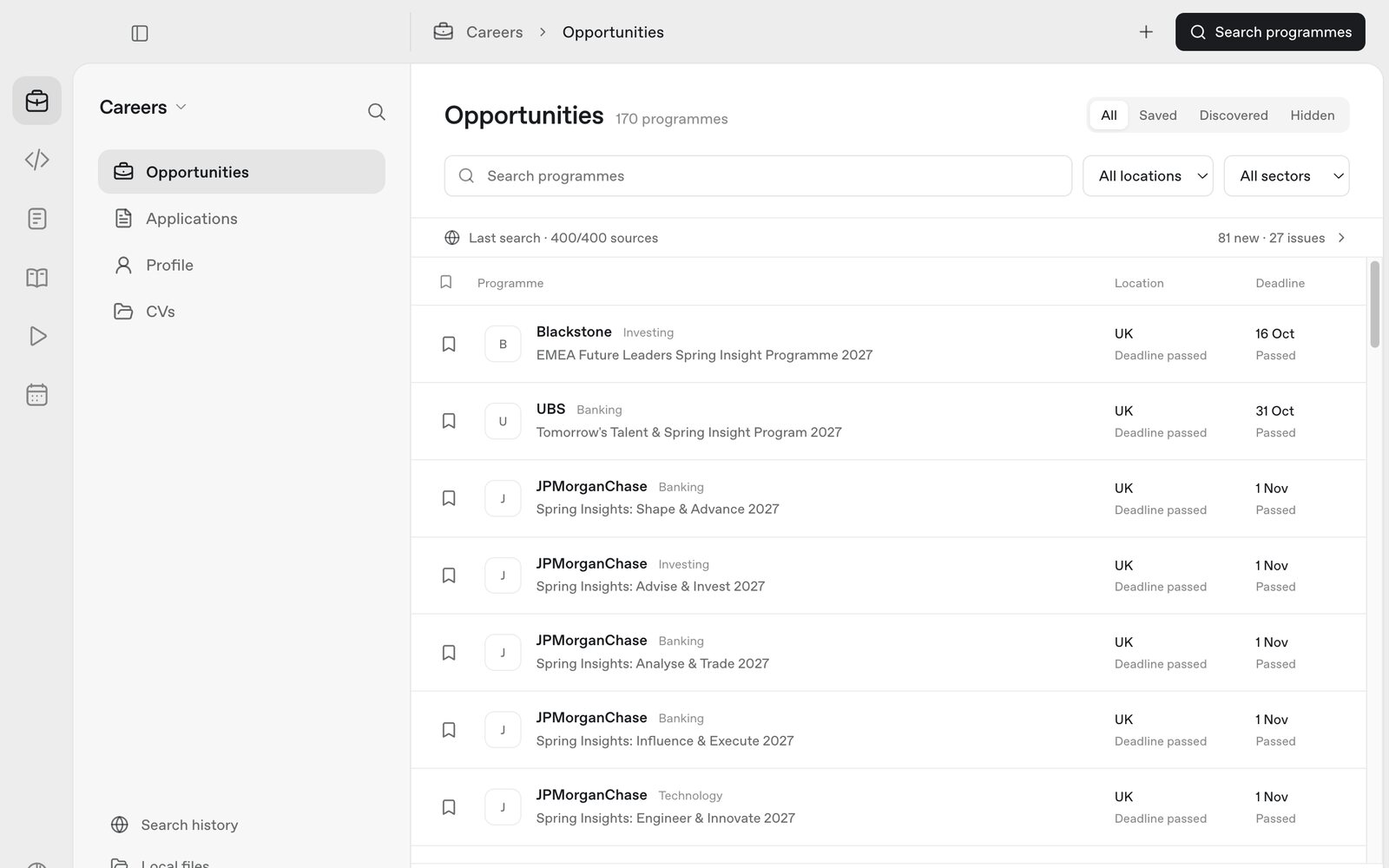
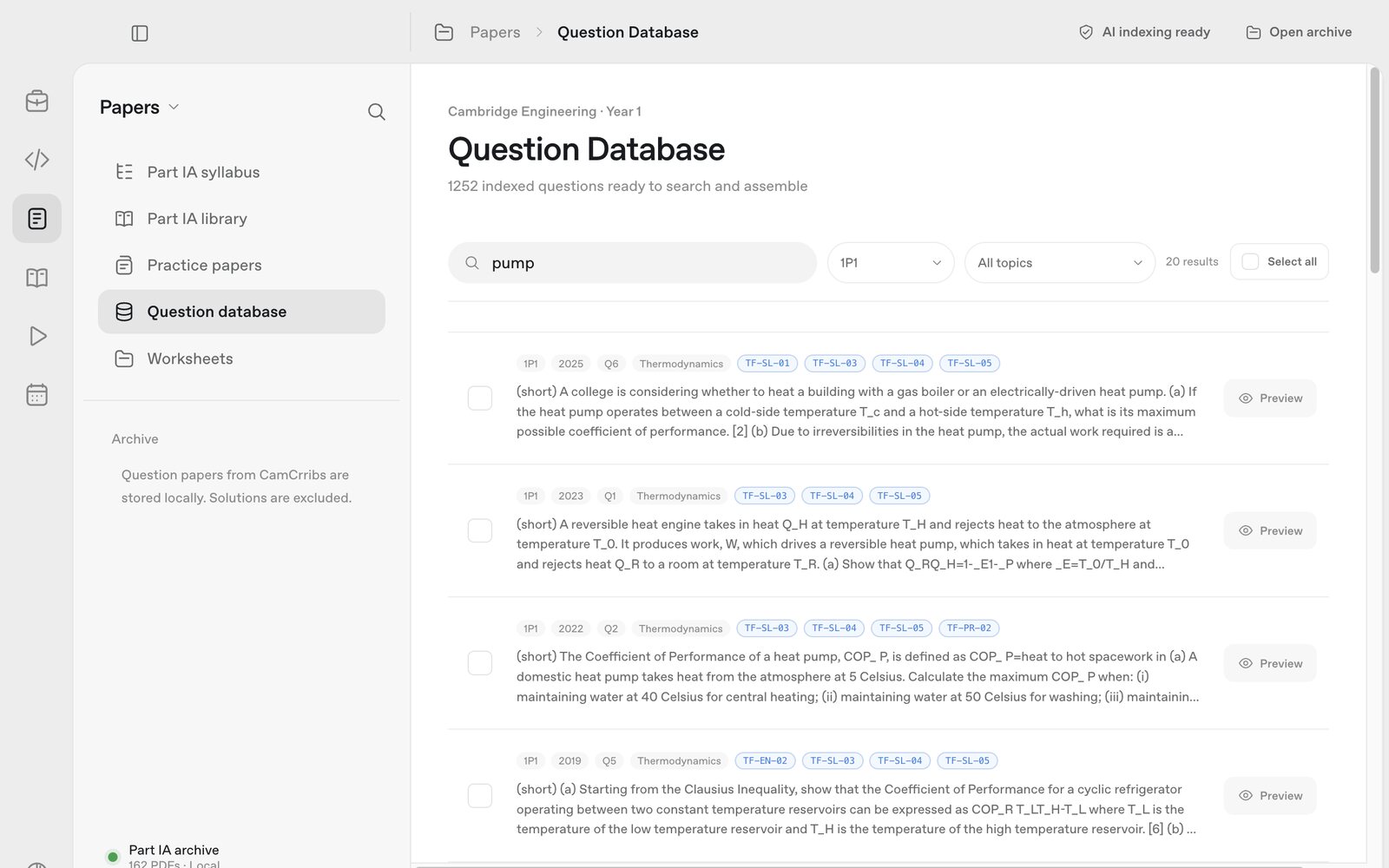
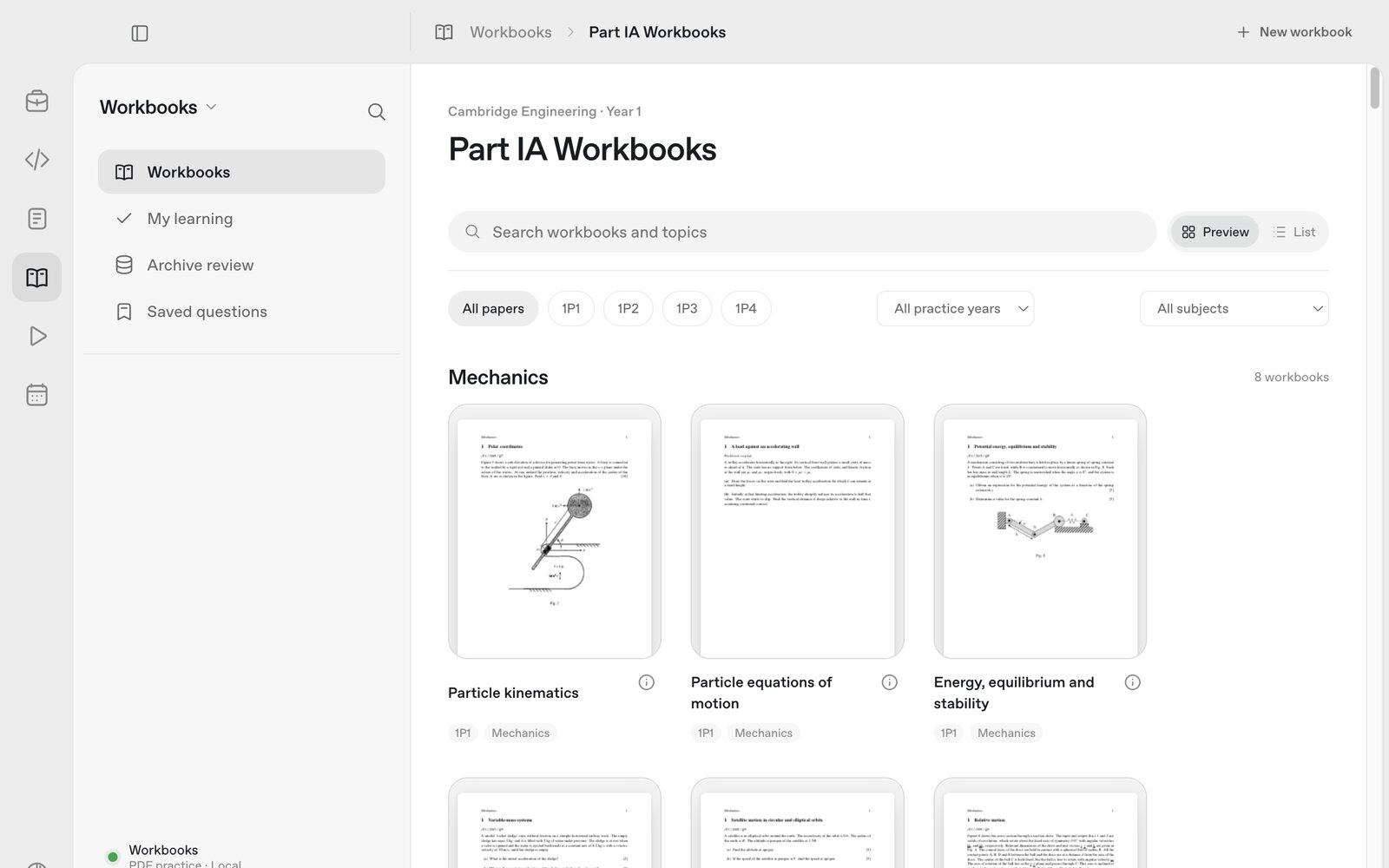
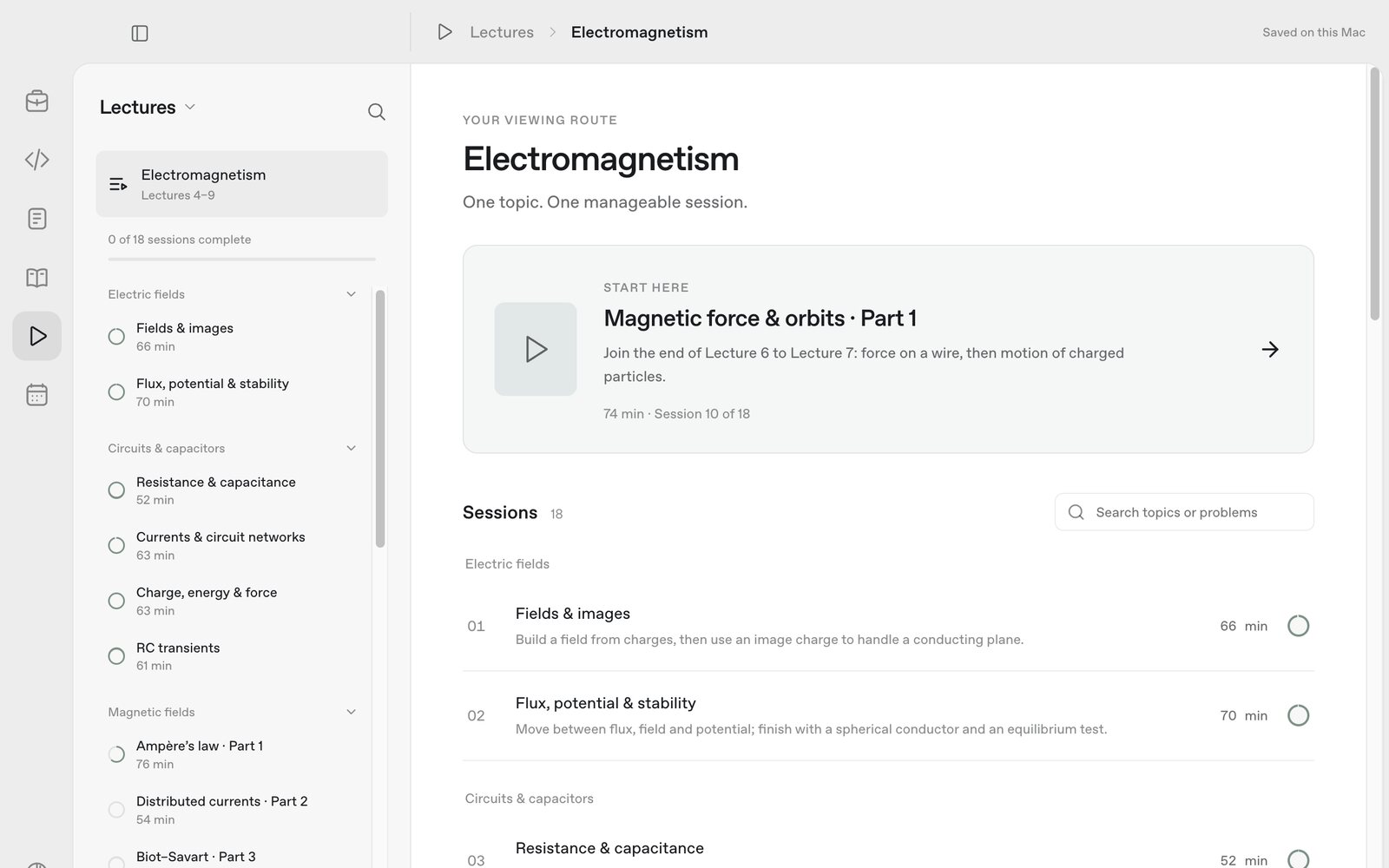
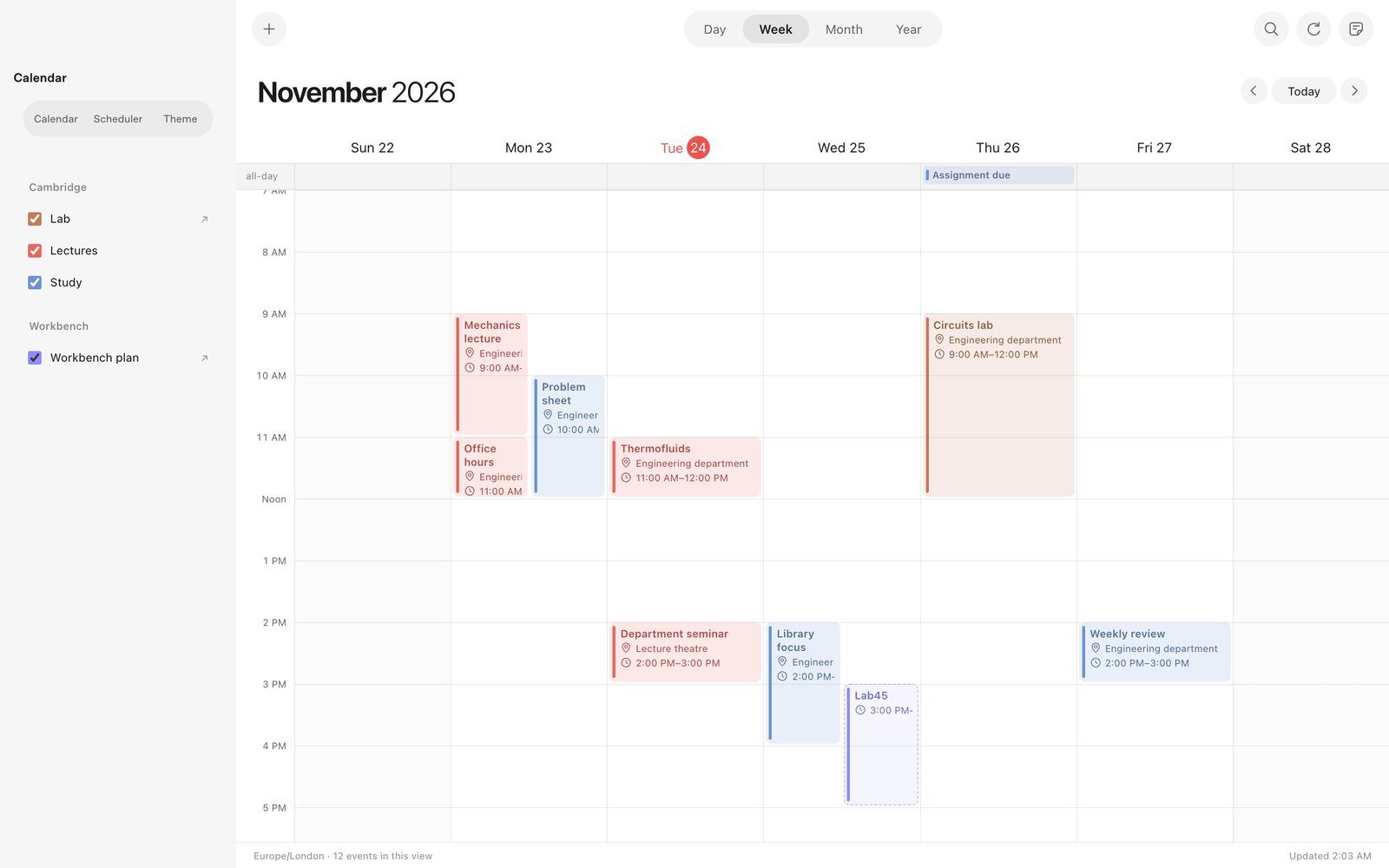
Workbench is a desktop app I built for my own life at Cambridge. LaTeX, past papers, example sheets, lectures, internships and the week's plan sit in one window, and every workspace in it started as something that annoyed me.

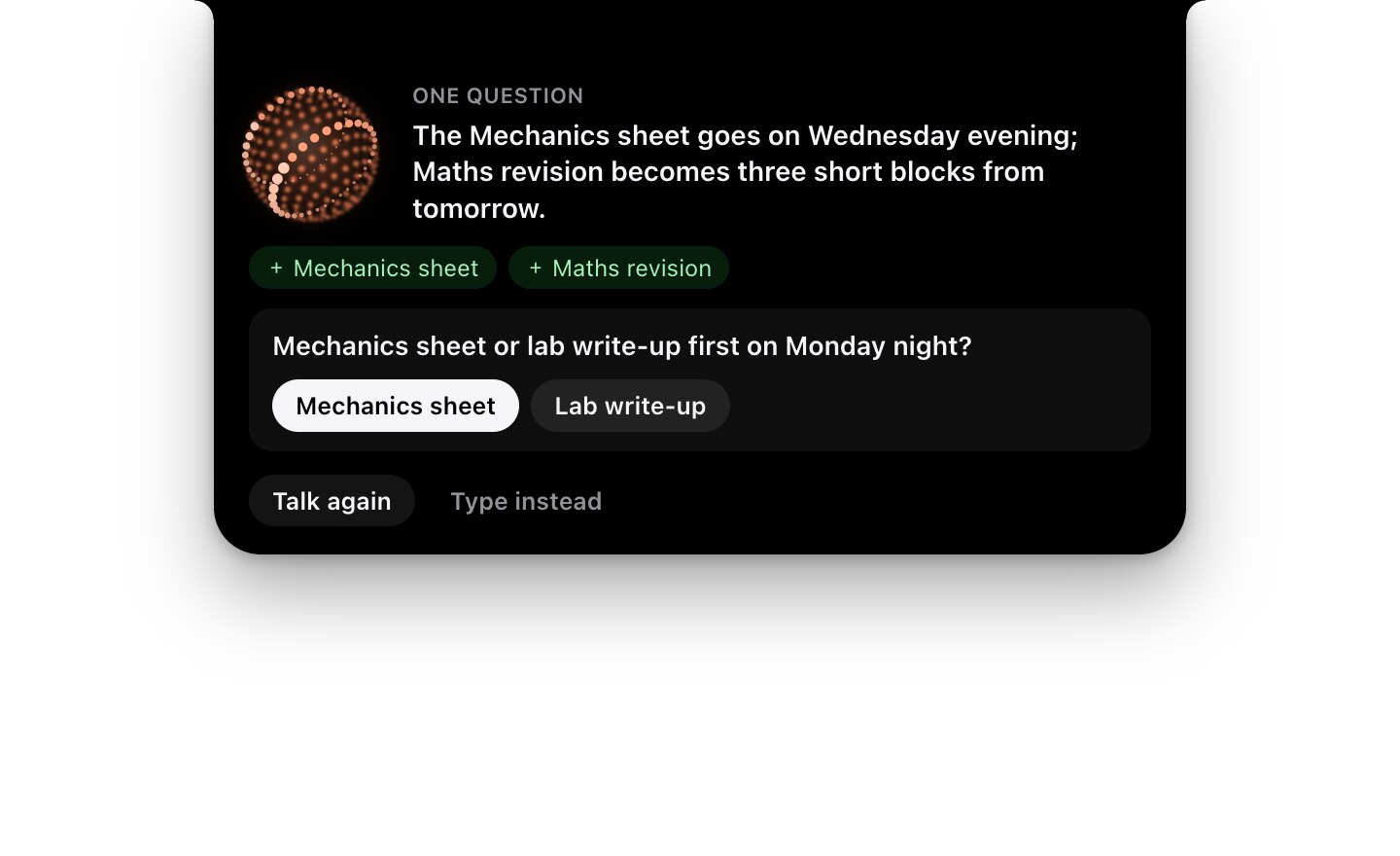
The part I use most isn't in the window at all. It lives in the MacBook's notch: it shows what's next, nudges me before it starts, listens while I talk through the week, and fits the tasks around my timetable.

It's private, so there's no link. The clips and screenshots here use sample data.

The notch

What's next, at a glance Move the pointer up to the notch and the day drops open: the next block, how long until it starts, and the rest of the plan.

Workspaces
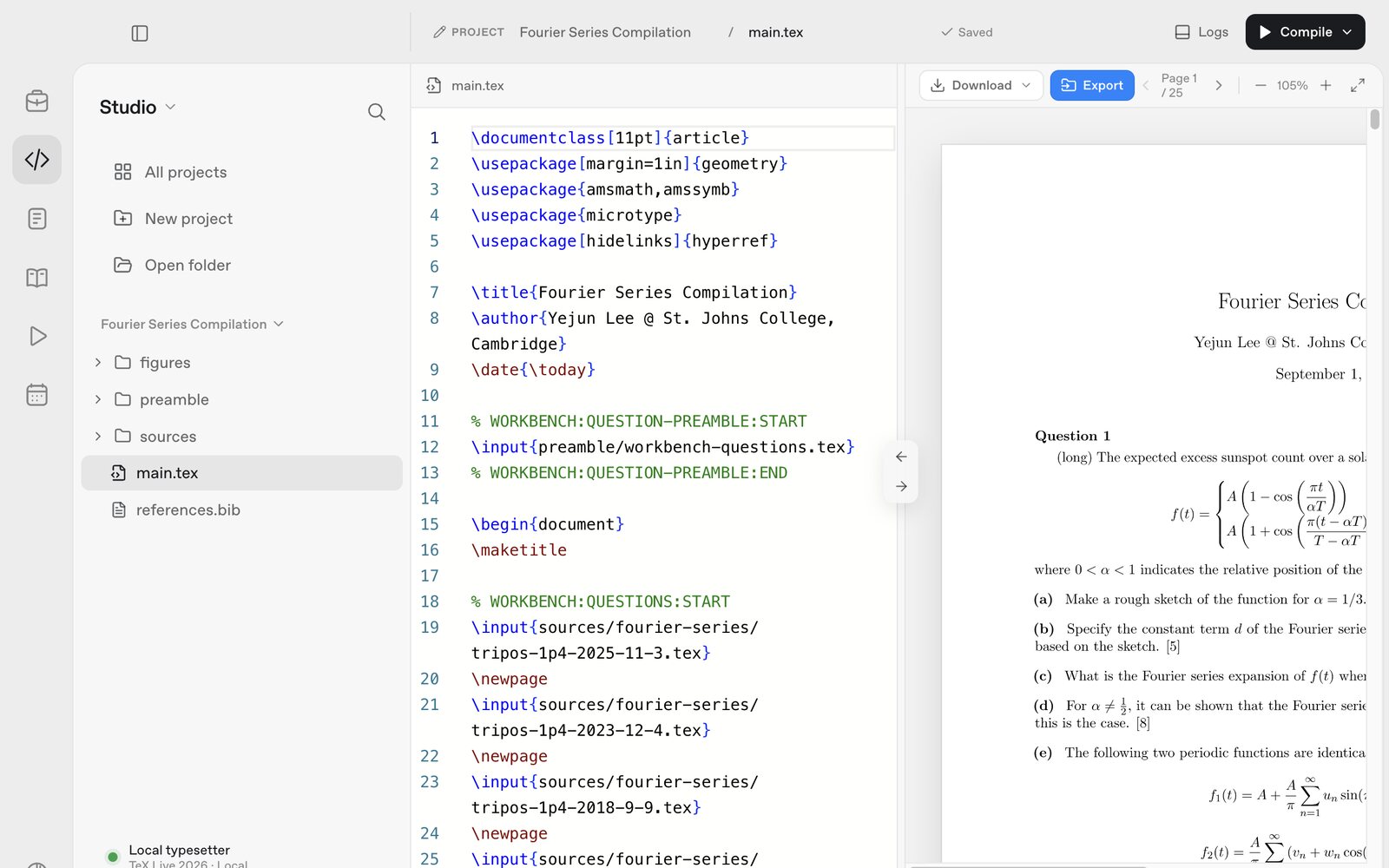
LaTeX, compiled on my Mac

LaTeX, compiled on my Mac Overleaf was slow on heavy files and I didn't want to pay for it. A local build in VS Code was fast but had none of Overleaf's error handling, so Studio keeps the fast local compile and adds the conveniences: readable errors, a live PDF, and a double-click between source and page.

Under the hood

  • A planner you can predict

    The same week always gives the same plan. Claude listens to what I say, but every time slot is set by plain code.

  • A window shaped like the notch

    A see-through window pinned to the top of each screen. On a MacBook it wraps the camera; on a monitor it hangs from the menu bar.

  • Listening, on the Mac

    Speech becomes text on the Mac itself, and listening ends when I stop talking.

  • Local-first

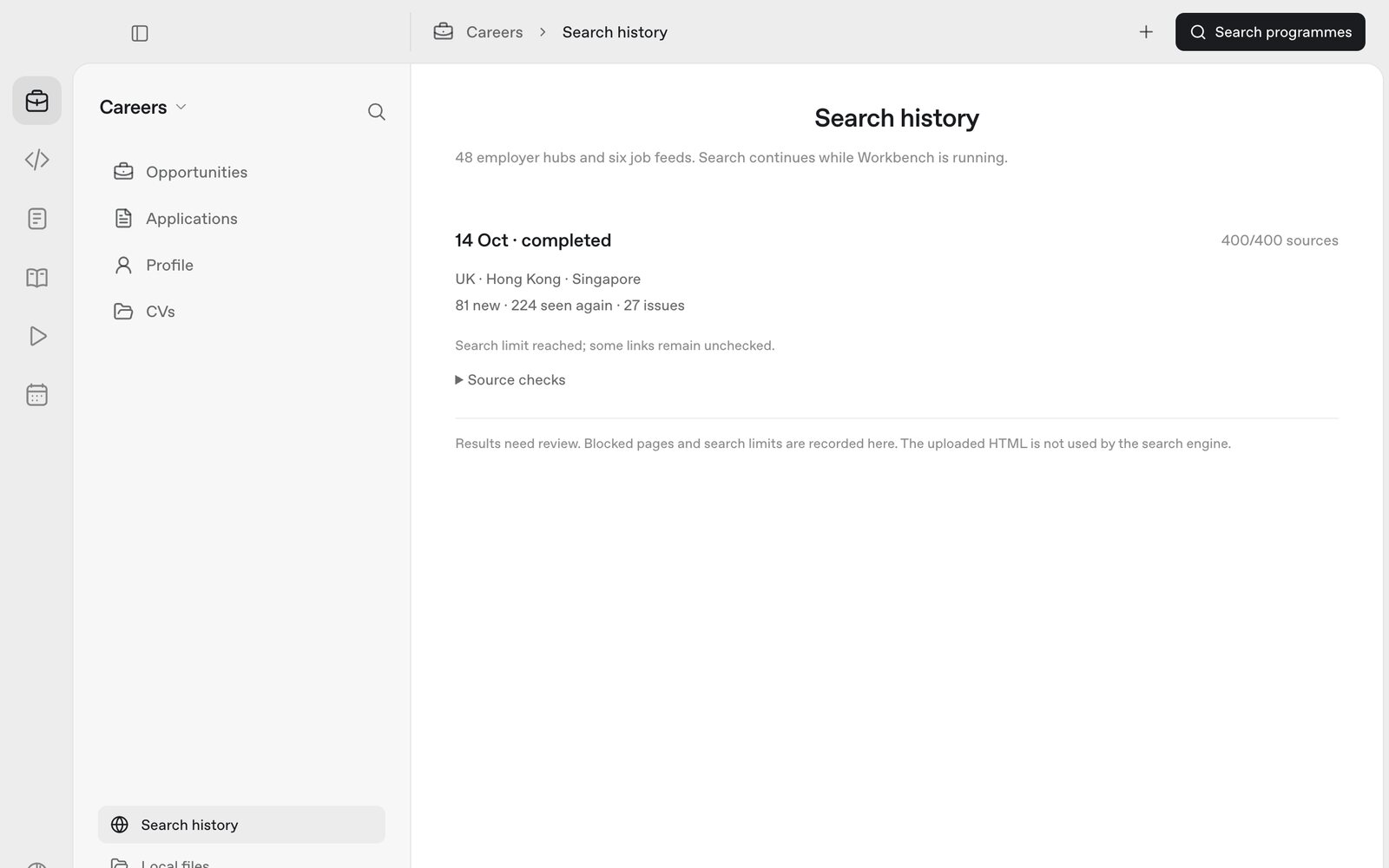
    Everything lives in files on my Mac, and long jobs like the internship search keep running while I work elsewhere.
Numbers

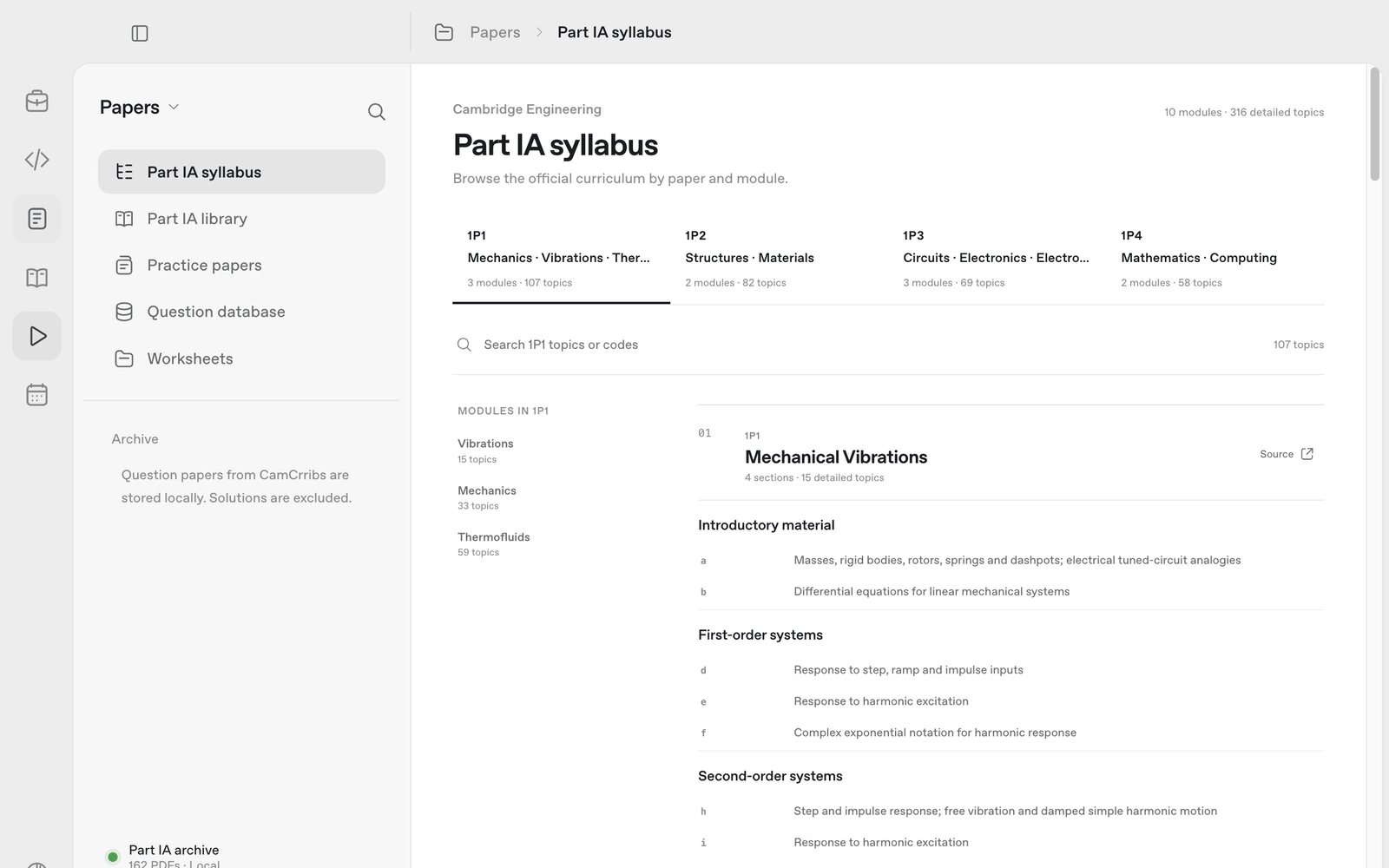
1,252past-paper questions, indexed by paper and topic
400sources checked in each internship search
6workspaces, with the notch over all of them

What I did

  • Notch and planner (voice capture, nudges, deterministic scheduling)
  • Studio (Monaco editor, local latexmk, PDF.js, SyncTeX)
  • Careers (background discovery, CVs by industry, tracking)
  • Papers and workbooks (a local Part IA archive, searchable by topic)
  • Lectures (external series, re-sequenced to the course)
Next projectPIETurns an alumni interview into Instagram card news.